Changan Hunter
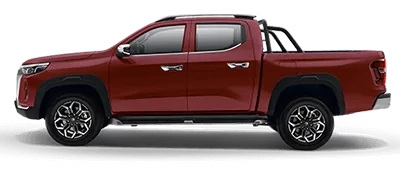
A pickup designed for carrying passengers and cargo. Its engineering menu is reached through Android system information rather than the phone-dialer procedure used by several other Changan models.
How to enable ADB
Published model-specific procedure1. Open System Settings on the head unit.
2. Select About.
3. In System Version, tap Build number six times.
4. Enter 147753.
5. Open USB in the left side of the engineering menu.
6. Tap the empty lower-left area of the USB section repeatedly.
7. Tap the ADB button that appears.
After enabling ADB: connect a USB data cable, select Connect in DriveApps, choose the head unit, and accept its USB-debugging authorization prompt. If it is absent from the chooser, check the data cable, USB mode, and driver.
Admin