Changan CS75PLUS
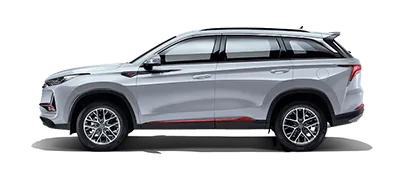
A spacious family SUV offered across several generations. The first-generation and 2024 third-generation head units have different ADB-entry procedures.
How to enable ADB
Firmware-dependent procedureDocumented first-generation dealer head unit:
1. Open Phone on the head unit.
2. Dial *#201302#*.
3. After the final *, the dialed characters disappear and the documented unit is ready for connection.
The 2024 third-generation head unit uses a different procedure. Confirm your generation and firmware before using a dial code.
After enabling ADB: connect a USB data cable, select Connect in DriveApps, choose the head unit, and accept its USB-debugging authorization prompt. If it is absent from the chooser, check the data cable, USB mode, and driver.
Admin